> For the complete documentation index, see [llms.txt](https://support.referralhero.com/llms.txt). Markdown versions of documentation pages are available by appending `.md` to page URLs; this page is available as [Markdown](https://support.referralhero.com/campaign-builder/integrations/facebook-pixel.md).
# Facebook Pixel
You can integrate your Facebook Pixel with ReferralHero to understand your user behaviour and traffic. A Facebook pixel collects data about people who visit or sign up to your campaign, so that you can more effectively plan your ad campaigns to find new customers.
### Add a Facebook pixel ID to your campaign
1. Grab your Facebook Pixel ID from your [Facebook Ads Manager](https://www.facebook.com/ads/manager/pixel/facebook_pixel)
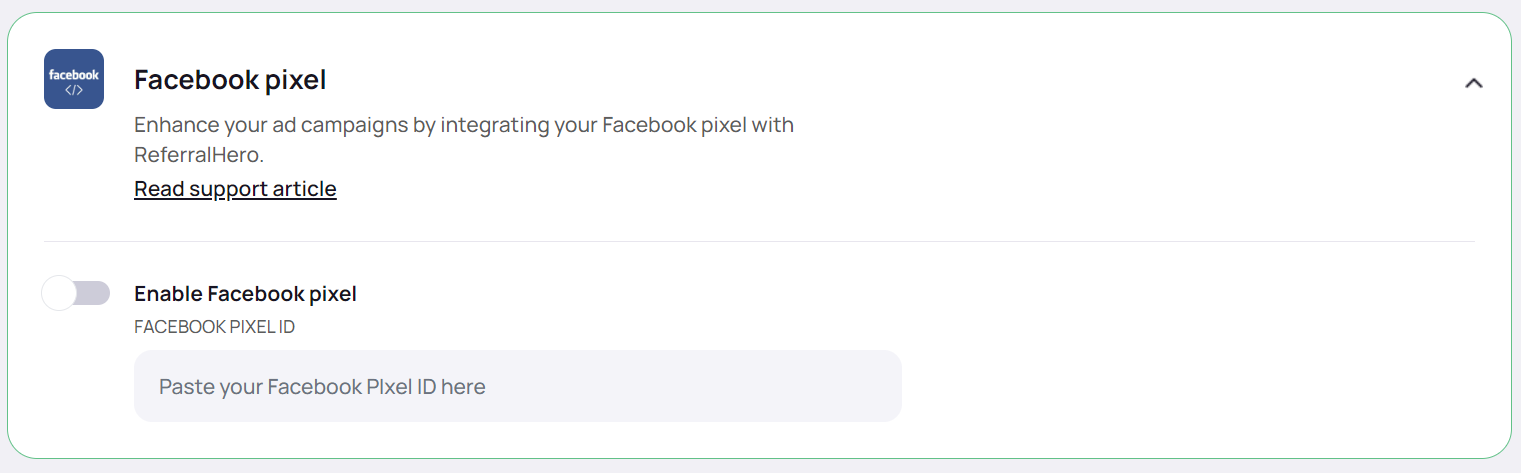
2. Go to your campaign dashboard > *Edit campaign > Integrations > Facebook Pixel*
3. Toggle **Enable Facebook Pixel** and enter the Pixel ID
4. Save the changes
{% hint style="info" %}
After you add the pixel to your campaign, then you can make sure that it's working by using Facebook Ads Manager. Learn about [how to tell if your Facebook pixel is working](https://www.facebook.com/business/help/218844828315224) from the Facebook Help Center.
{% endhint %}
{% hint style="warning" %}
**NOTE**: If you've recently added a Facebook pixel to your online store, then you need to wait for customer activity before you'll see any data in Facebook Ads Manager.
{% endhint %}
### Facebook Pixel Events
ReferralHero sends 3 standard events to Facebook:
* **PageView**\
When a user visits your campaign.
* **Lead**\
When a person signs up to your campaign.
* **CompleteRegistration**\
When a person verifies their email address.
Note that if the Email confirmation is enabled that number of "Lead" events might be higher than the number of "CompleteRegistration" events due to some people not confirming their email address.
### Trigger Facebook Pixel Manually
To trigger the Facebook Tracking Pixel manually, just use the **afterSuccess** callback in the Configuration file and choose which events you want to send.
```markup
```