> For the complete documentation index, see [llms.txt](https://support.referralhero.com/llms.txt). Markdown versions of documentation pages are available by appending `.md` to page URLs; this page is available as [Markdown](https://support.referralhero.com/campaign-builder/goal/conversion-events-and-labels.md).
# Conversion Events & Labels
Conversion events represent the key actions in your referral journey.
## How Many Conversion Events Do You Want to Track?
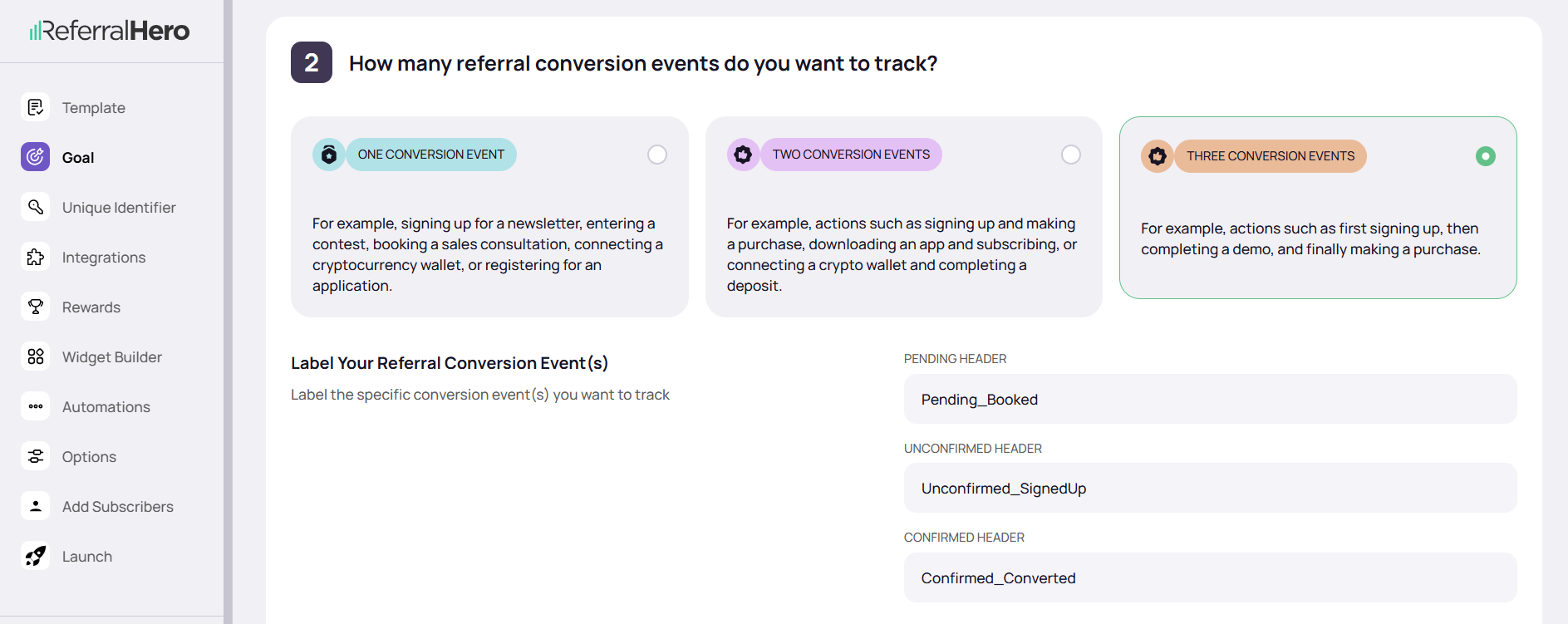
In ReferralHero, you can track up to three conversion events and assign clear labels to each one. Each conversion event progresses through the following linear stages.
#### **One Event**
Track a single key action, such as:
* Signing up for your newsletter
* Joining a waitlist
* Creating an account
**Best for:** Simple campaigns focused on one primary conversion.
#### **Two Events**
Track a two-step journey, such as:
* Signing up → Making a purchase
* Registering → Attending a webinar
**Best for:** Campaigns where a meaningful action follows the initial signup.
#### **Three Events**
Track a full customer journey, such as:
* Signing up → Attending a demo → Purchasing a plan
* Registering → Completing onboarding → Subscribing
**Best for:** More complex funnels, especially in SaaS or B2B with multiple engagement points.
## **Label Each Conversion Event**
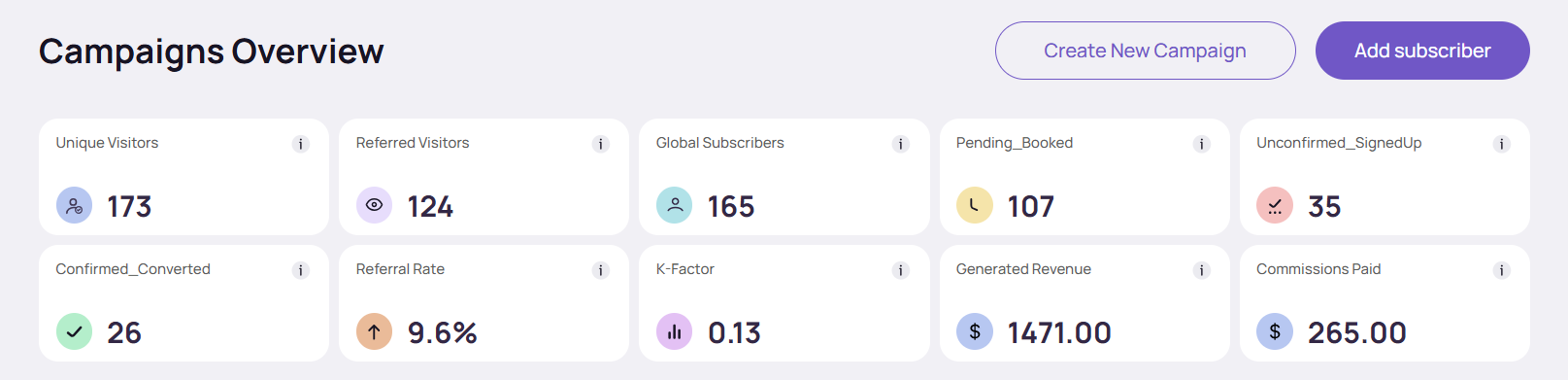
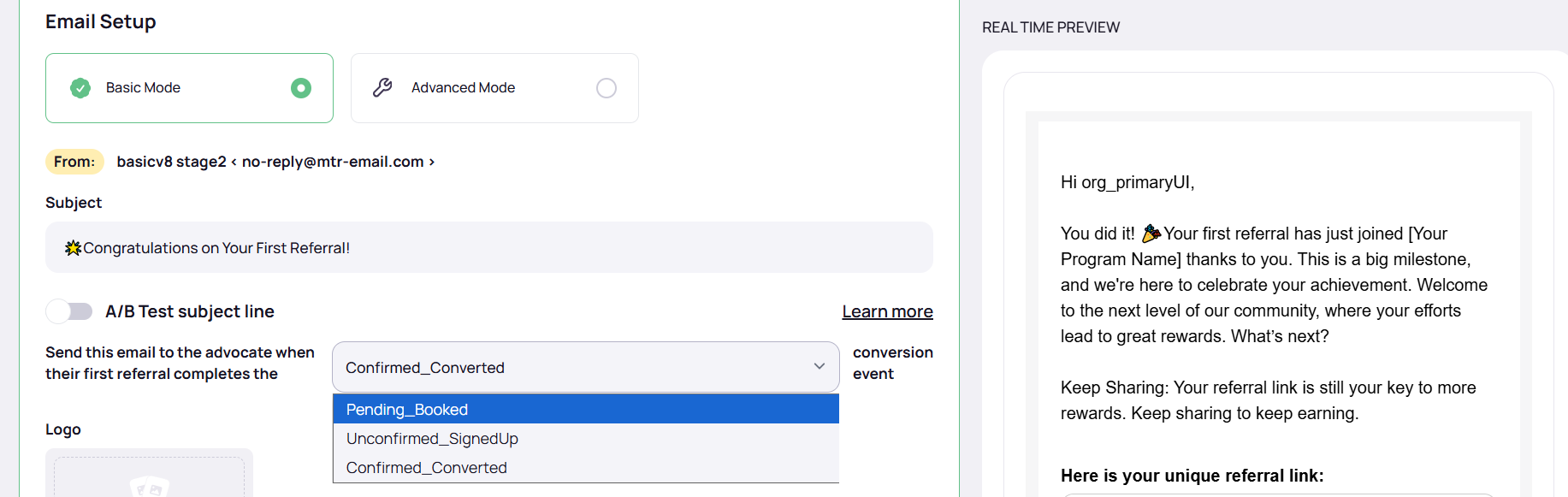
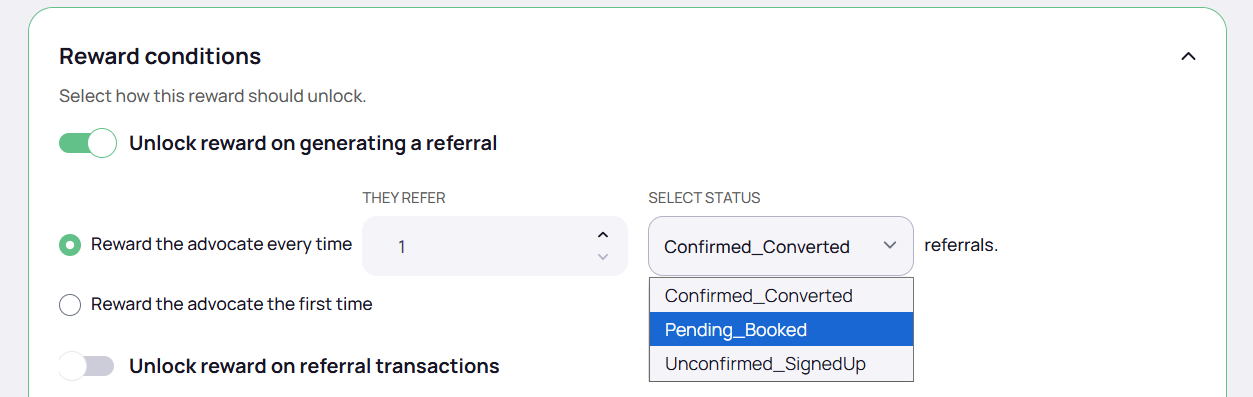
Once you’ve selected how many events to track, assign a short and descriptive label to each one. These labels appear in your dashboard and are used throughout your campaign setup.
**Examples:**
* “Signed Up”
* “Attended Webinar”
* “Purchased Plan”
* “Upgraded to Pro”
Labels are used in:
* **Analytics** – Track how users move through your funnel
* **Automations** – Trigger emails, webhooks, or SMS when a specific event is completed
* **Reward Tracking** – Issue rewards only when subscribers hit specific milestones
{% hint style="success" %}
**Tip:** If you're using integrations like API, Zapier, or webhooks, match your event labels to your actual event names or property values.
{% endhint %}
## **Unqualified Status**
Referrals can be marked as **Unqualified**, a non-linear status that sits outside the standard conversion flow and does not follow the usual Pending → Unconfirmed → Confirmed progression.
This status is used to identify referrals that should be excluded from progression through the standard funnel stages (for example: invalid, spam, or disqualified leads).
Referrals can be moved to **Unqualified** from any stage and restored to their original stage.
The label for this status can be customized (e.g. “Disqualified”, “Invalid Lead”).
{% hint style="info" %}
**NOTES:**
* Marking a referral as **Unqualified** does not affect analytics calculations:
* Referral counts remain unchanged
* Original conversion events are preserved
* Unqualified referrals remain part of the referral system and may still be included in reward evaluation logic, depending on campaign configuration.
{% endhint %}
### **Managing Unqualified Referrals**
#### **Moving Referrals to Unqualified**
Referrals can be marked as **Unqualified** through:
* Manual updates in the admin dashboard
* Bulk updates via CSV import
* REST API
* HubSpot integration
* GoHighLevel integration
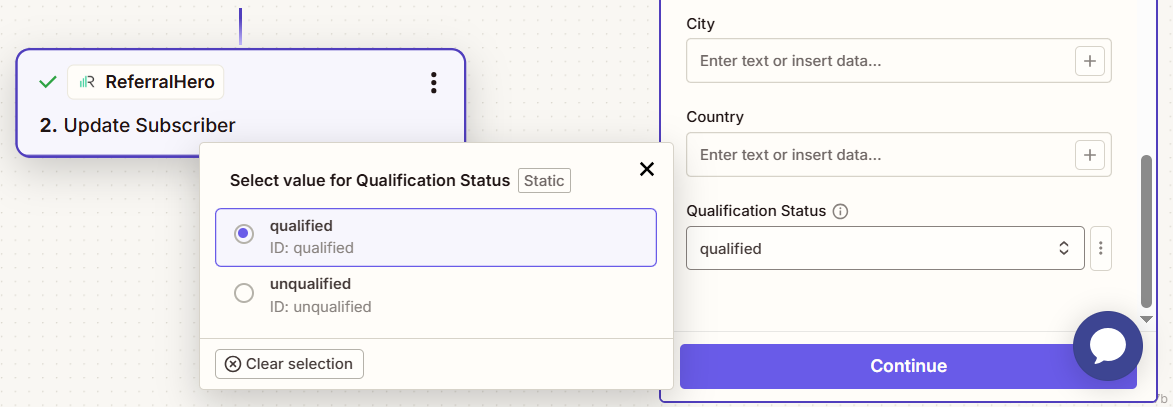
* Zapier integration
#### **Restoring Referrals**
Referrals marked as **Unqualified** can be restored to their previous progression stage. When restored, the referral resumes its original stage.
Restoration is available via:
* Admin dashboard
* REST API
* Zapier integration
## **Referral Status**
Each subscriber’s progress is automatically reflected in their **Referral Status**, which updates as they complete each event. This status determines when rewards are issued to the advocate.
✅ Learn more in the [Referral Status](https://support.referralhero.com/campaign-management/subscribers/subscriber-profile#referral-status) section.